Gallery editor for Media Field, Orchard Core project start experience survey - This week in Orchard (25/07/2025)
This week is about Media Field improvements! Adding multi-drag, disabling the anchor button for non-image media items, and a demo about the Gallery editor for Media Field! We have also published a new survey that you can complete to help us improve the Orchard Core project start experience.
Orchard Core updates
Multi-drag for Media Field
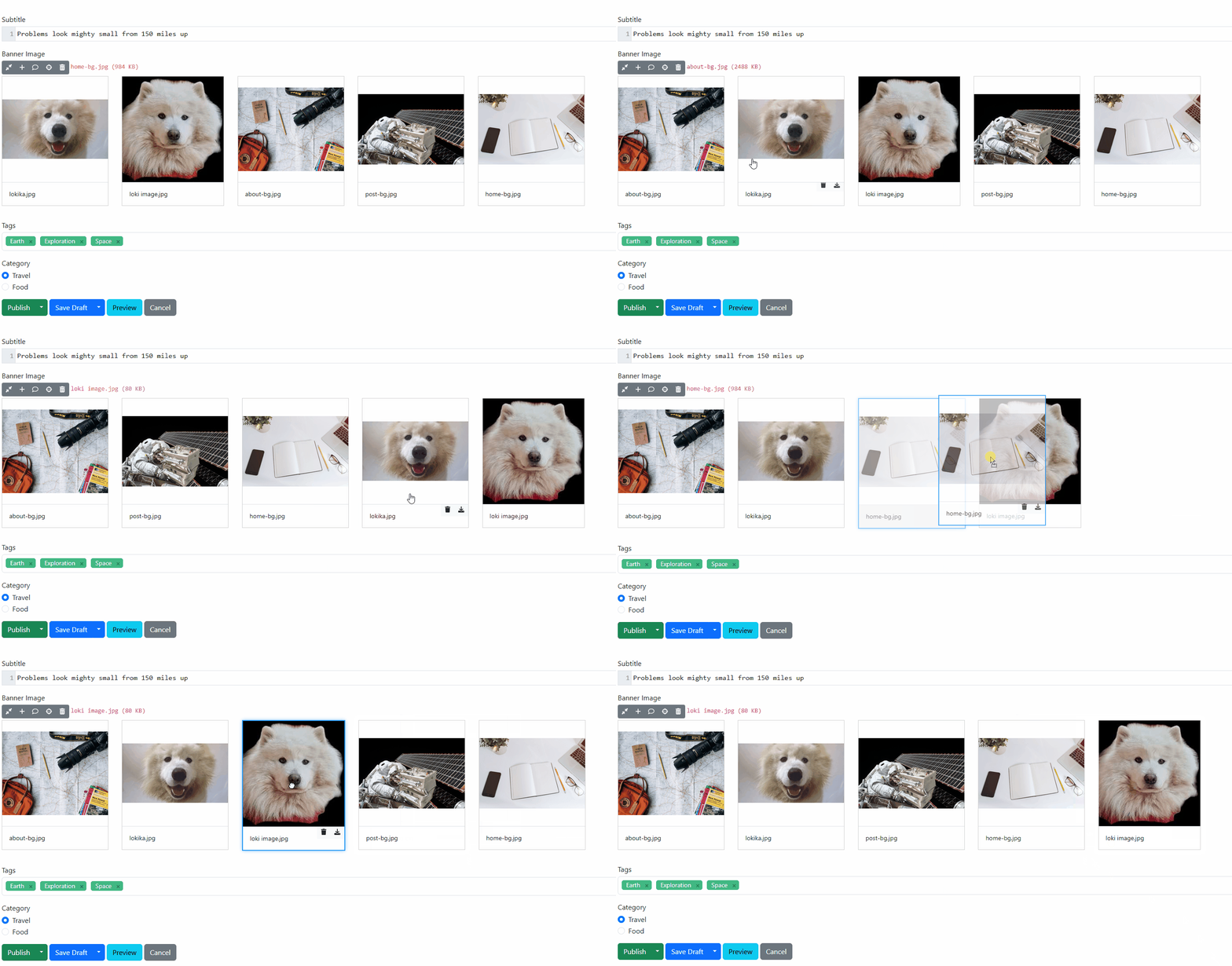
This change aims to provide an easier way to manage the order of images in galleries with a large number of files. Draggable, the Vue component that wraps Sortable, is used to enable single-image drag. Draggable doesn't expose the multidrag functionality of Sortable. Alcwyn Parker removed the Draggable component and instead just instantiated Sortable on the ordered list.
If you have a site set up with the Blog recipe, you will get a predefined content type called Blog Post. If you navigate to Design -> Content Definition -> Content Types and click Edit near the Blog Post one, you will find an attached content field called Banner Image. If you edit this field, you will find an option called Multiple, which indicates whether multiple media can be selected. Put a tick in this checkbox and hit Save. Now we can edit our predefined blog post and start playing with our Media Field. As you can see, we can now select multiple images at once and drag them into the desired position.
Disable the anchor button in the Media Field for non-image media items
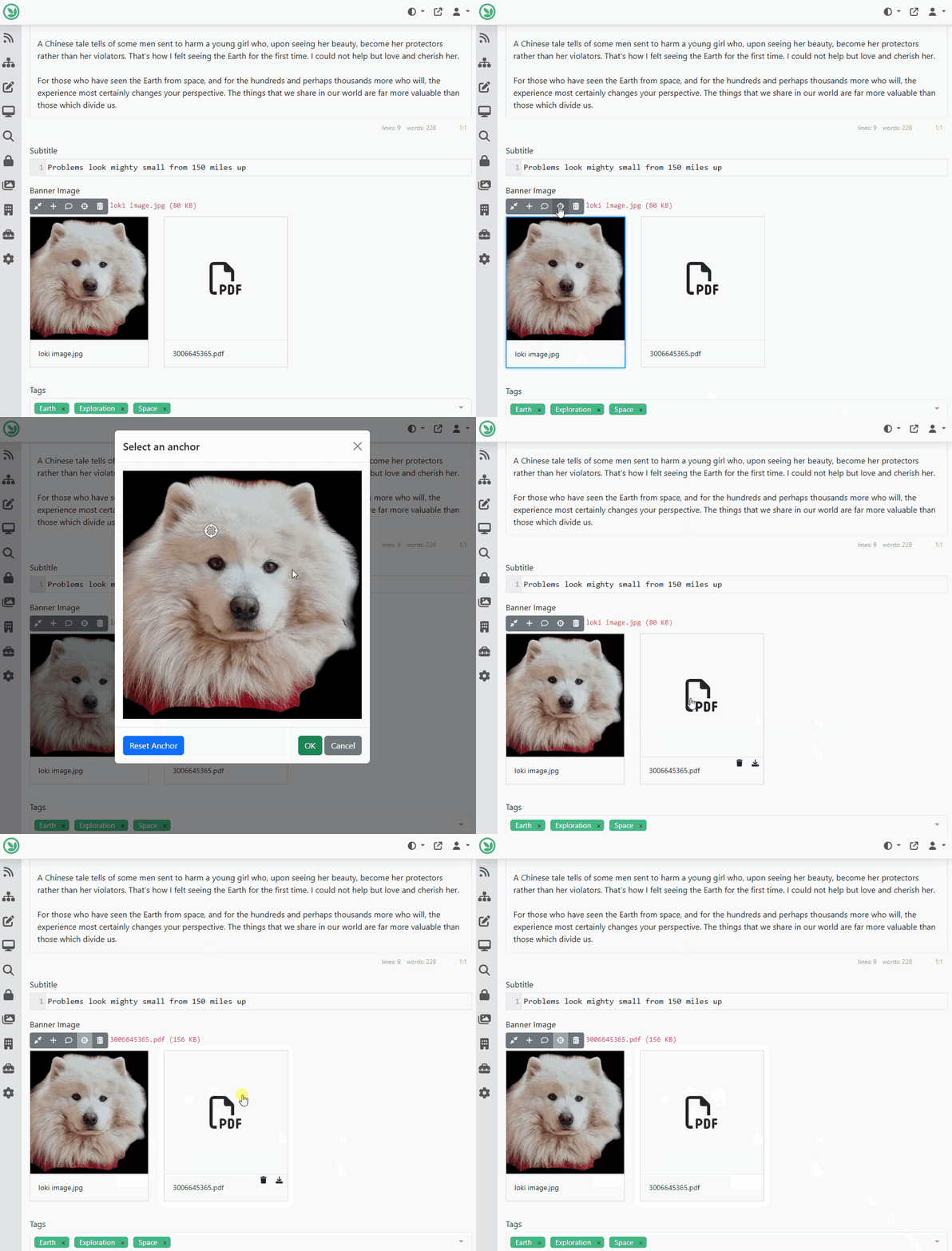
If a Media Field allowed users to set an anchor point and a non-image item (e.g., a PDF) is selected, the anchor button remains active. Clicking it opens the modal, but no image is displayed. This is a minor edge case. Typically, if you're expecting documents, you wouldn’t enable anchor points in the settings. However, there are situations where you may want to support a mix of media types. To handle this more gracefully, Nick Jackson has applied the same MIME type check used in the MediaFieldThumbsContainer component. He added a simple condition to the anchor buttons in the Media Field edit views to disable them when the selected media item is not an image.
To test this out, we headed back to our Banner Image, which we had set up previously, and uploaded one PDF file as well. As you can see, if we select the PDF file, we cannot click on the button that allows us to select an anchor.
Demos
Gallery editor for Media Field
In this demo, you will see a new Media Field editor that enhances the user experience with smoother and more intuitive functionality. Here is the pull request where you can review this feature in action.
If you have a site set up with the Blog recipe, you will get a predefined content type called Blog Post. If you navigate to Design -> Content Definition -> Content Types and click Edit next to the Blog Post one, you will find an attached content field called Banner Image. If you edit this field, you can select what type of editor you want to use. Select the Gallery from the dropdown editor and hit Save. Now, let's edit our blog post and explore the features we can utilize by using a Media Field with the Gallery editor type.
As you can see, the community replaced the previous action buttons with a large, clickable placeholder card that opens the media library. Once an image is selected, all actions — such as adding media text or anchors — are now integrated directly into the image card. If the user wants to replace the image, they can click on it to reopen the media library and choose a new one.
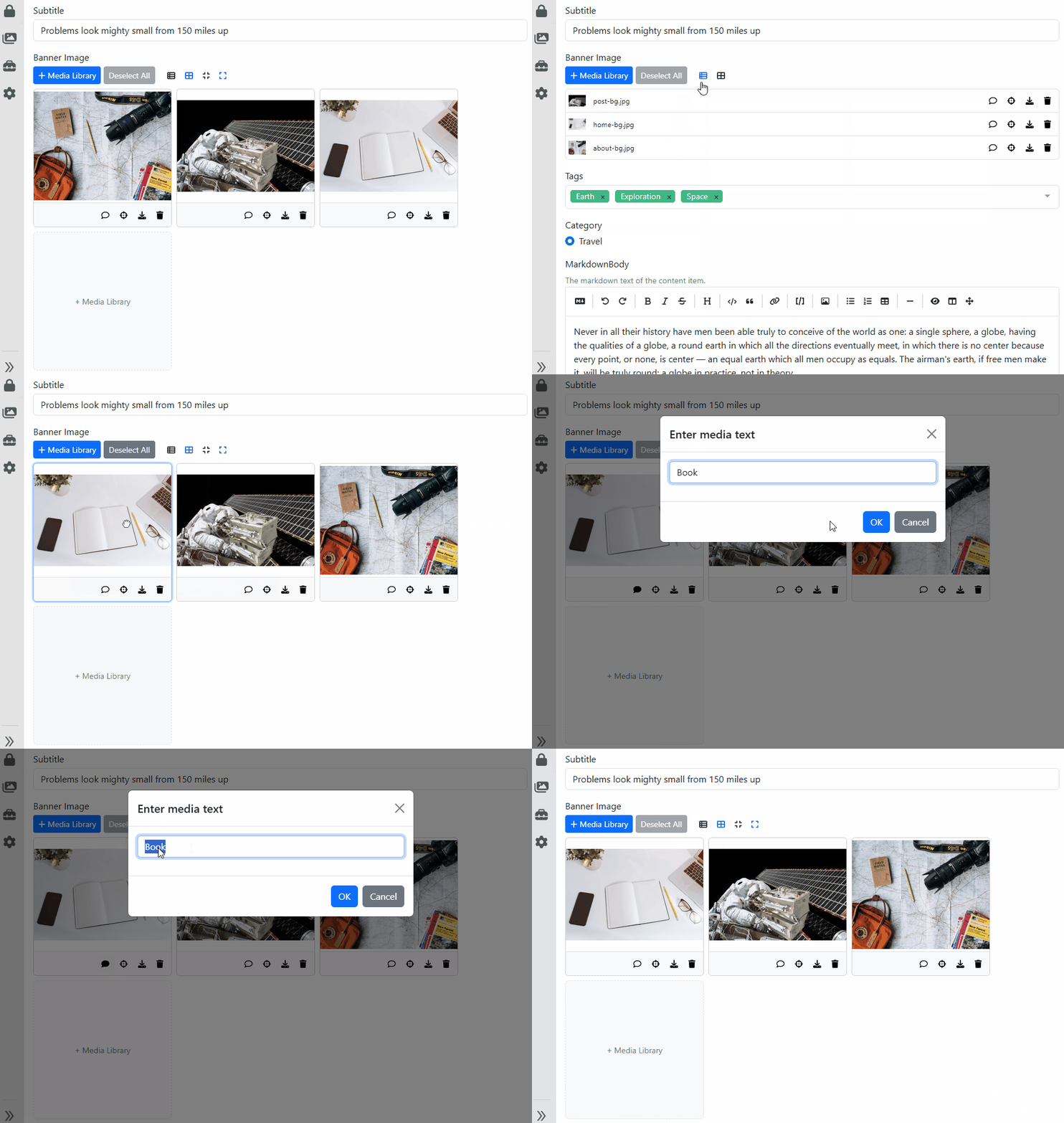
It can be challenging to determine whether an image has text applied to it. To improve this, the speech bubble icon now appears as an outline by default when an image is added. Once media text is entered, the icon changes to a filled version, making it easy for users to see at a glance which images have media text associated with them.
For Media Fields that support multiple images, the community sought to apply a streamlined approach while also enhancing usability for fields containing numerous images. The top bar has been redesigned by removing the single-image actions and introducing a layout that mirrors the media library. Users can now switch between different views, making it easier to manage large sets of images. In addition to the existing small and large card sizes, a new list view is available for more efficient browsing and editing.
And as always, if you want to learn more about this new editor, head to YouTube for a recording.
News from the community
Help us improve the Orchard Core project start experience
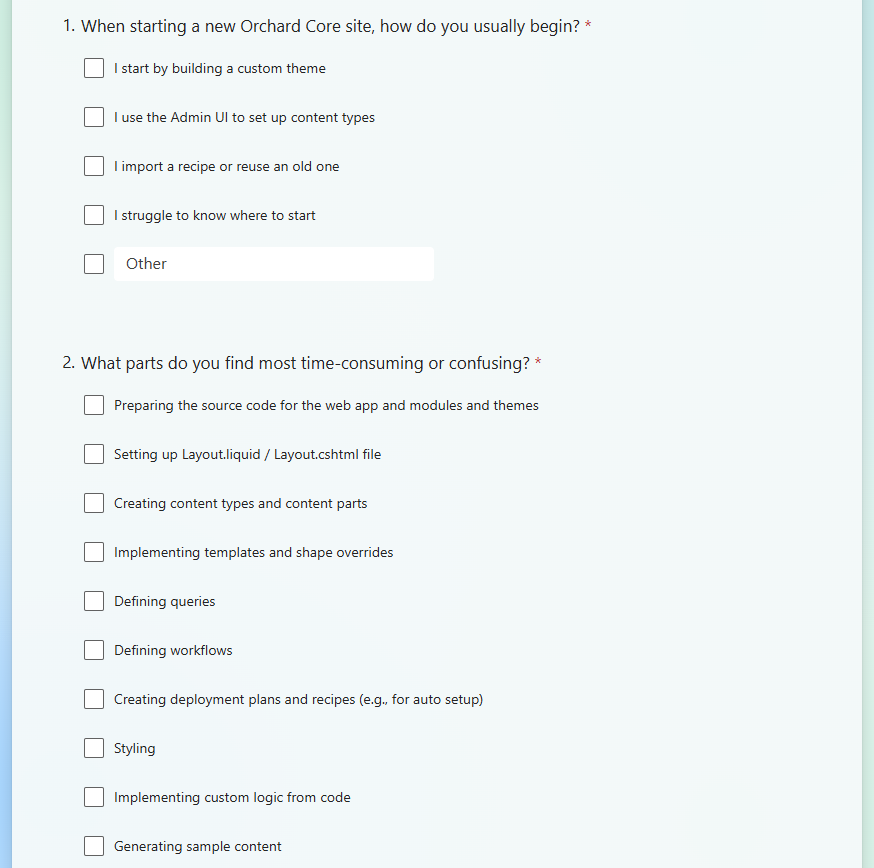
Orchard Core is a powerful tool for building apps, but the user experience is not always smooth. We aim to identify new ways to improve it, from simplifying the initial steps to helping experienced users work more efficiently. Whether through AI or other solutions, we first want to understand how you approach site setup today and where things feel repetitive, unclear, or time-consuming.
You can help us by taking a moment to complete this survey, which should only take approximately 5-10 minutes of your time. Please help us to improve the Orchard Core project start experience!
Orchard Core Admin UI experience renewal survey
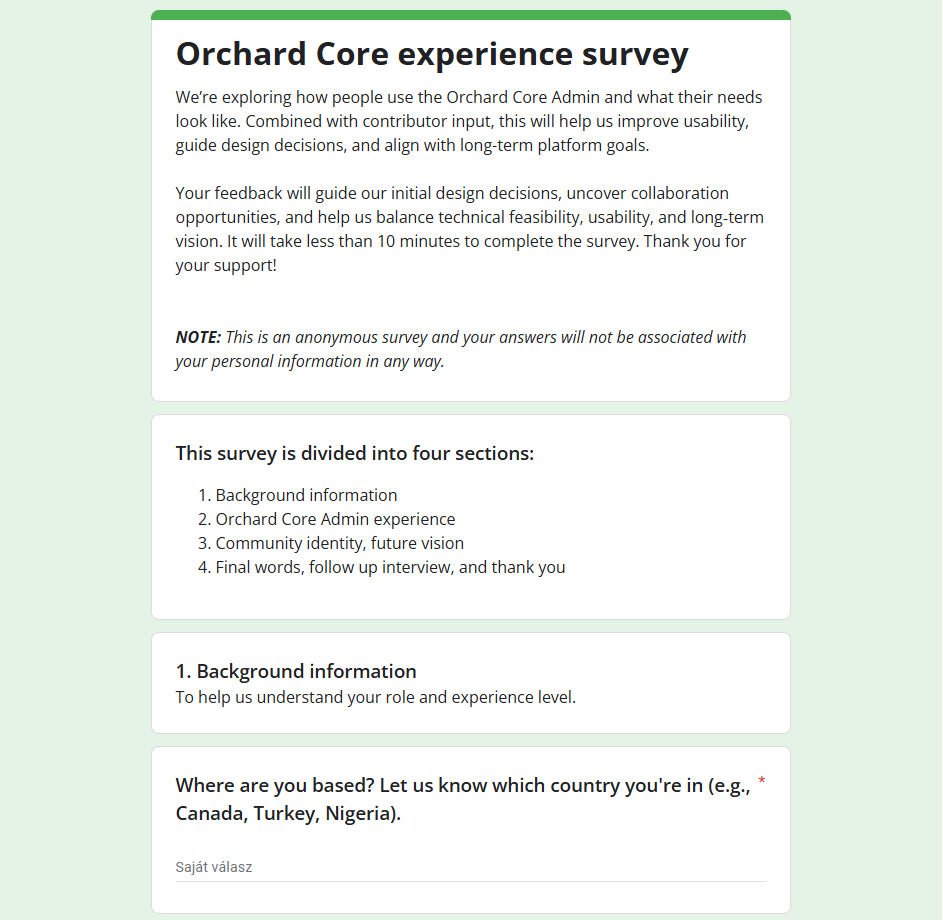
At the beginning of this year, we started a discussion about renewing the admin area with the help of a UX professional. We aim to have a modern admin UX that’s functional, convenient, unobtrusive, and something that ordinary contributors can extend by following patterns. The point is to improve the usability of the admin, not just making it prettier (though making it prettier would be nice too). The first step of the admin area renewal is to explore how people use the admin UI of Orchard Core and what their needs look like. Combined with contributor input, this will help us improve usability, guide design decisions, and align with long-term platform goals.
For that, we have conducted a survey. Please take a few minutes to fill out our survey and help shape the future of Orchard Core. Feel free to share it with anyone you know who uses or has used Orchard Core, including colleagues, clients, or contributors you've worked with.
Orchard Dojo Newsletter
Lombiq's Orchard Dojo Newsletter has 451 subscribers! We have started this newsletter to inform the community around Orchard of the latest news about the platform. By subscribing to this newsletter, you will get an e-mail whenever a new post is published to Orchard Dojo, including This week in Orchard of course.
Do you know of other Orchard enthusiasts who would like to read our weekly articles? Tell them to subscribe here!